Once 1.5.0 lands, the DeepSRT in your Dock becomes DeepSRT PRO. Not a new product, nothing to re-buy, nothing to do — the name finally admits what this app has grown into.
Why PRO
Because the family grew. DeepSRT is now three product lines:
- DeepSRT PRO (Mac) — the full instrument. Live bilingual captions, AI summaries and transcripts, AI transcription for caption-less videos, a local API, MCP (your AI agent can watch YouTube), a Safari extension, and your pick of AI providers.
- DeepSRT Mobile (iPhone) — in App Store review now. The essential experience in your pocket: playback, live translated captions, summaries, transcripts — start from a YouTube share or a pasted link.
- DeepSRT News (menu bar) — headline digests, sitting quietly in the top-right of your screen.
When “DeepSRT” names both a Mac app and a brand, the name should split the work: the brand is DeepSRT, and the one on the Mac firing on every cylinder is PRO.
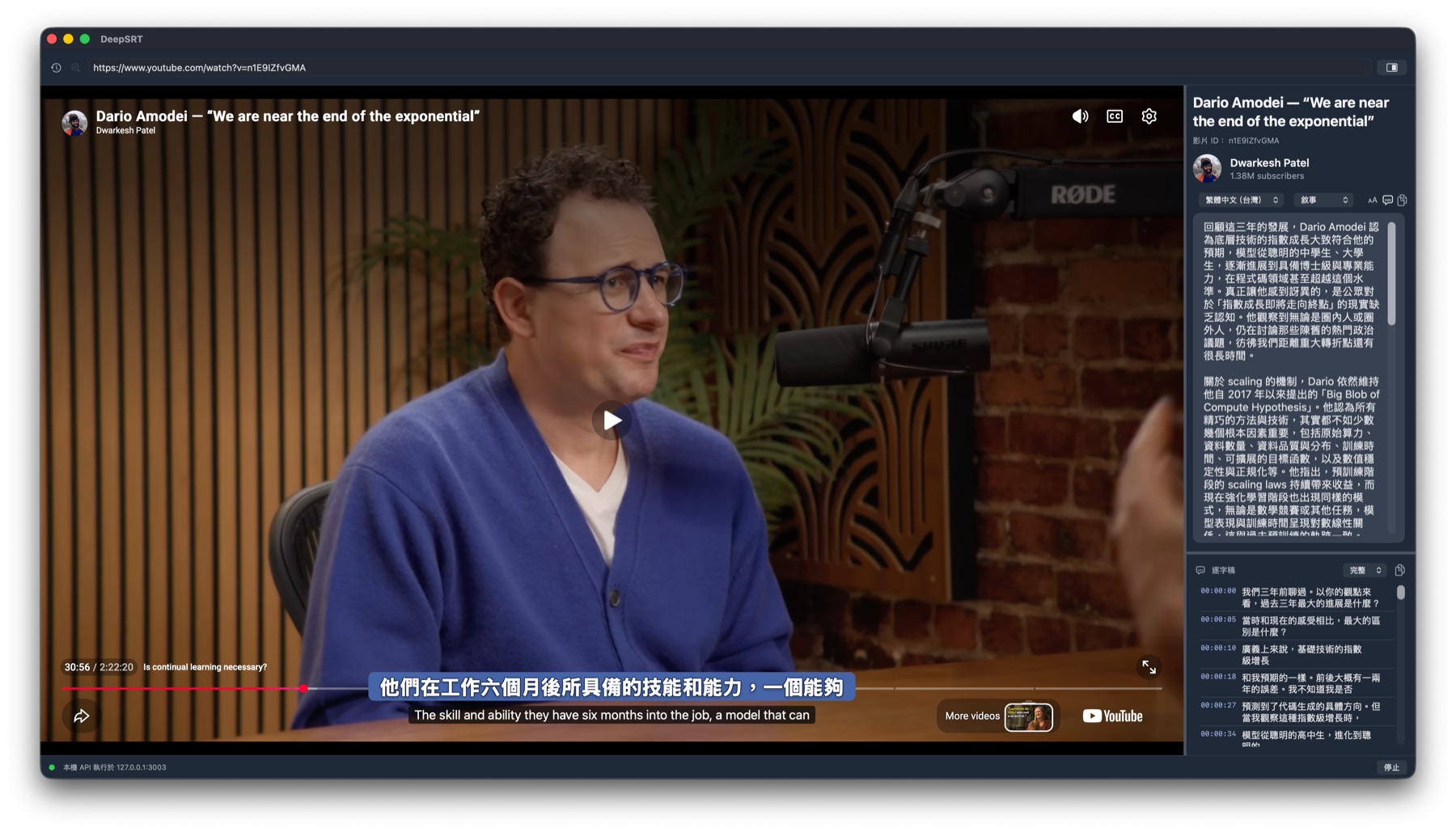
What 1.5.0 brings
Beyond the name, this release is all polish — most of it learned building Mobile and carried back to the Mac:
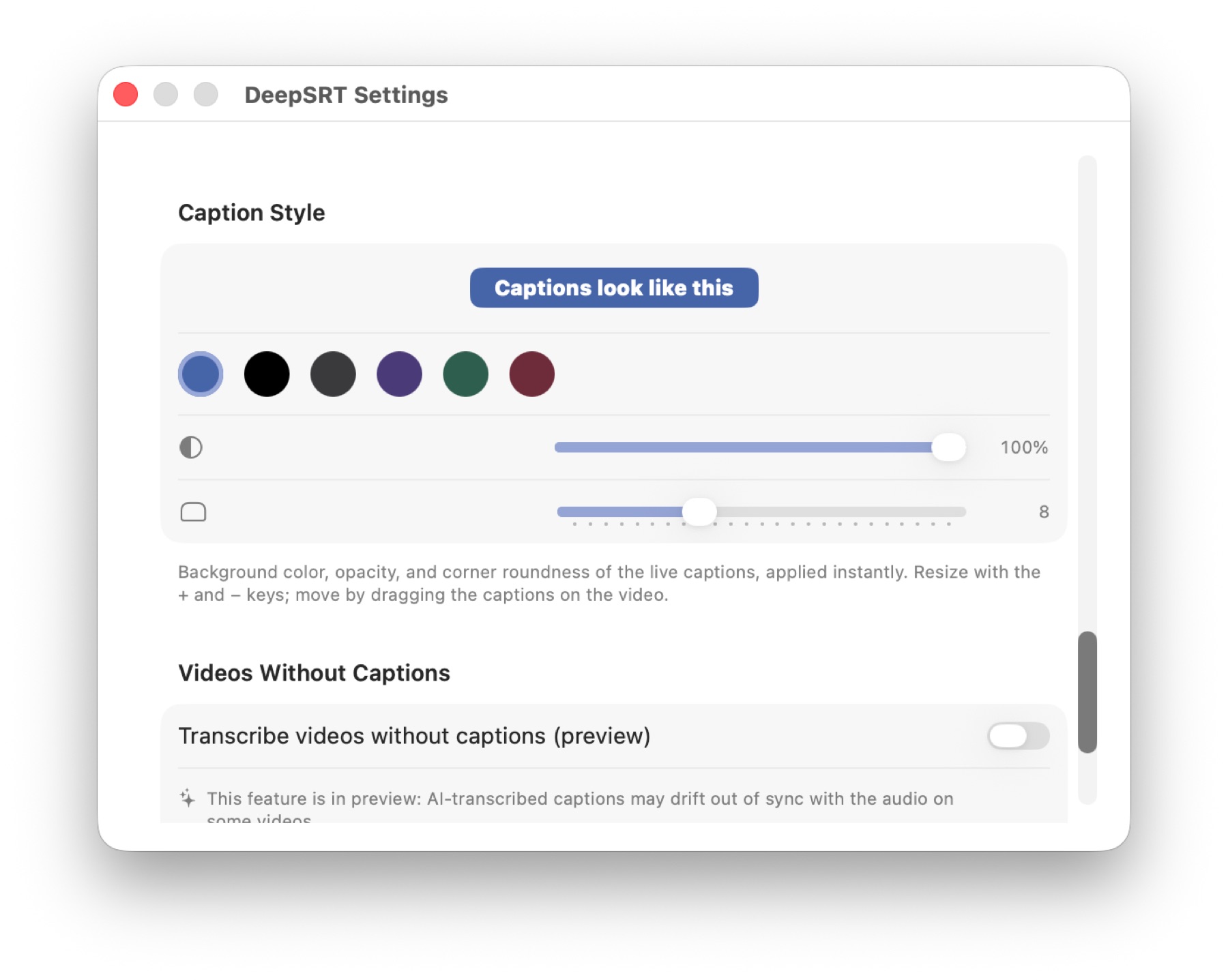
Captions, dressed your way
Settings grows a Caption Style section: six backgrounds, opacity, corner roundness — drag a slider and the live captions restyle mid-playback. Size stays on the + / − keys, position stays a drag — now the look is yours too.
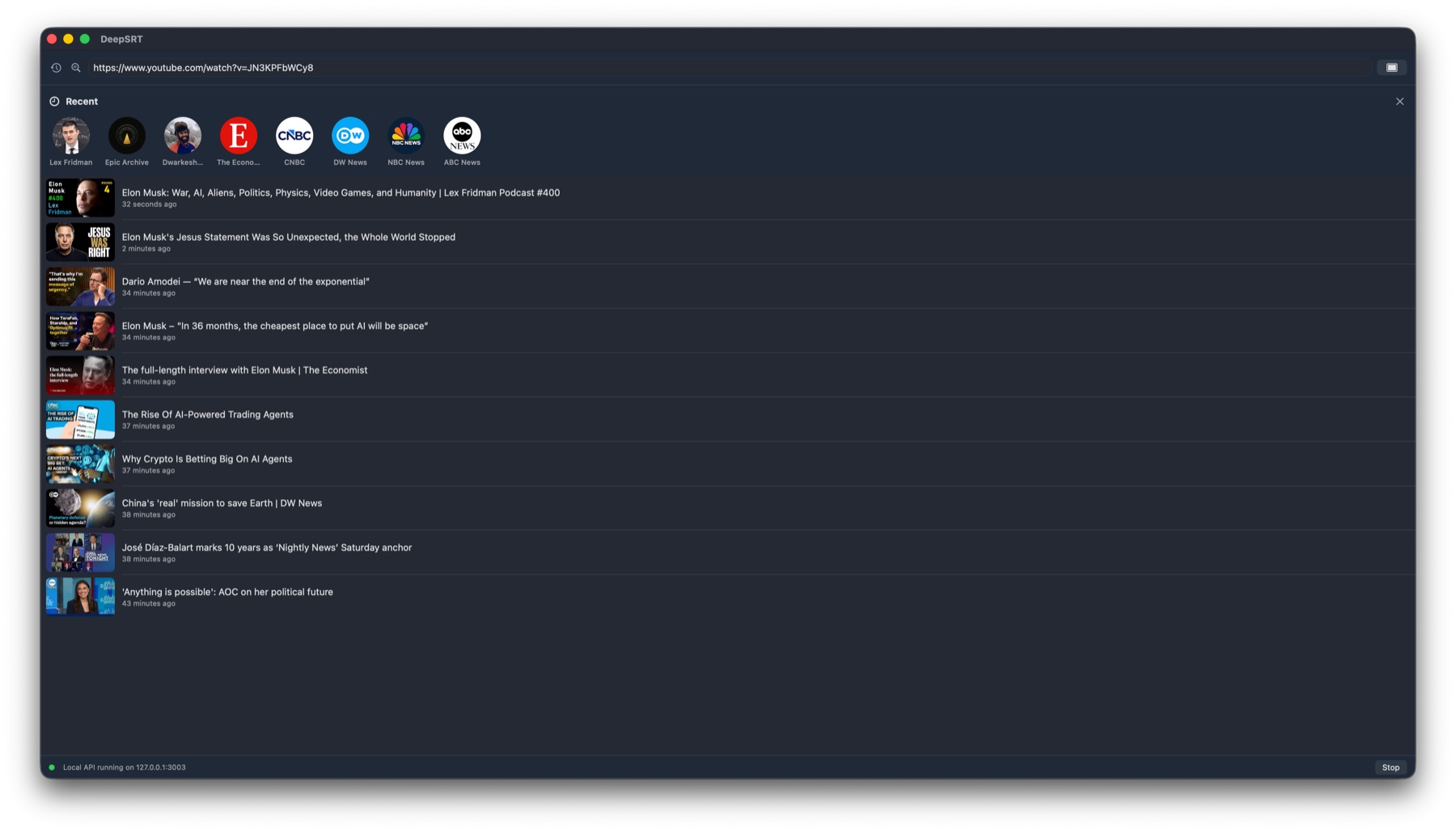
The history button becomes a place
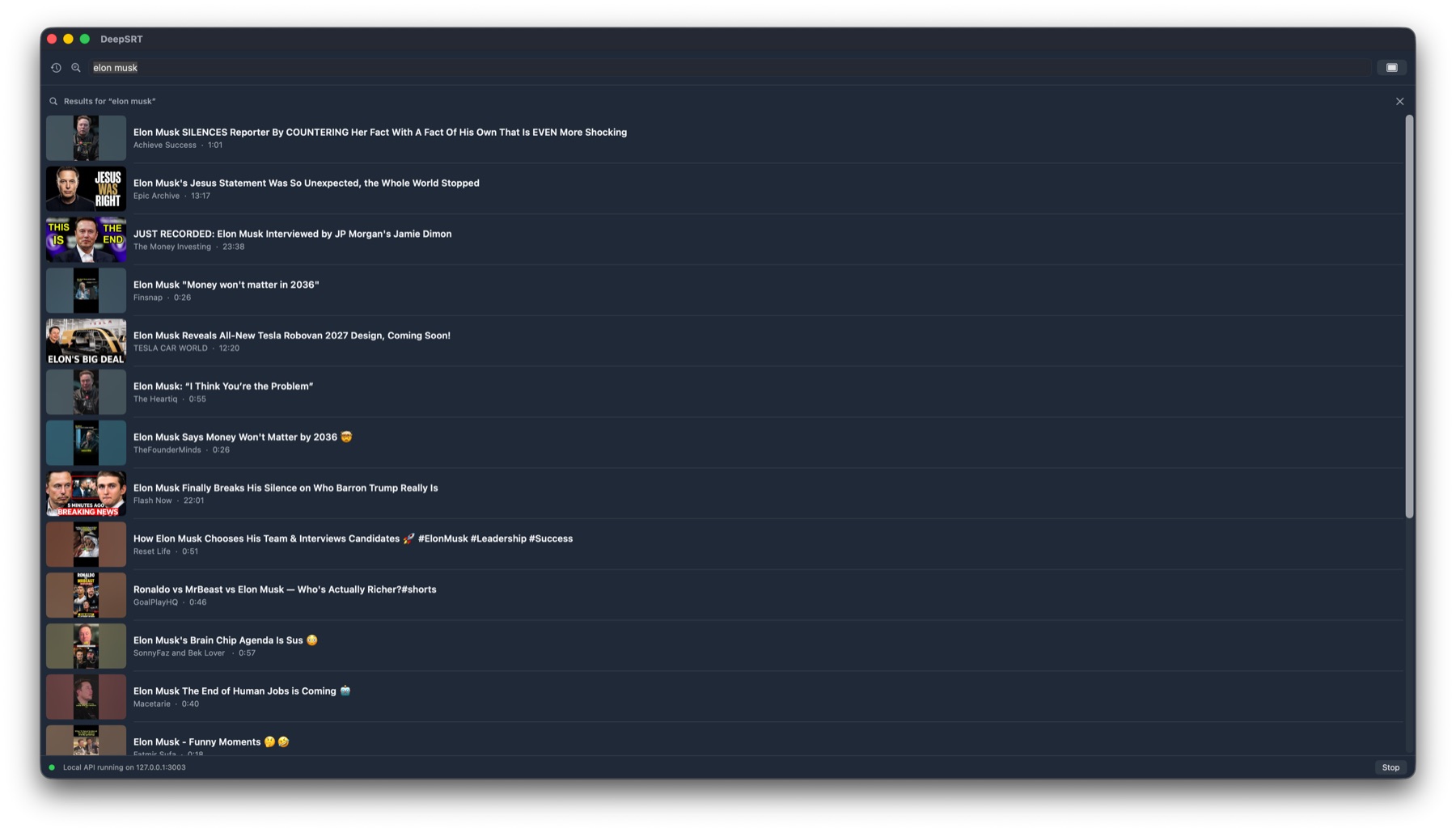
The clock button used to pop a bare list of titles. Now it opens a real panel: an avatar row of the channels you keep watching on top — one click lists that channel's latest uploads — and your watch history with thumbnails below. Following channels flows, no account needed.
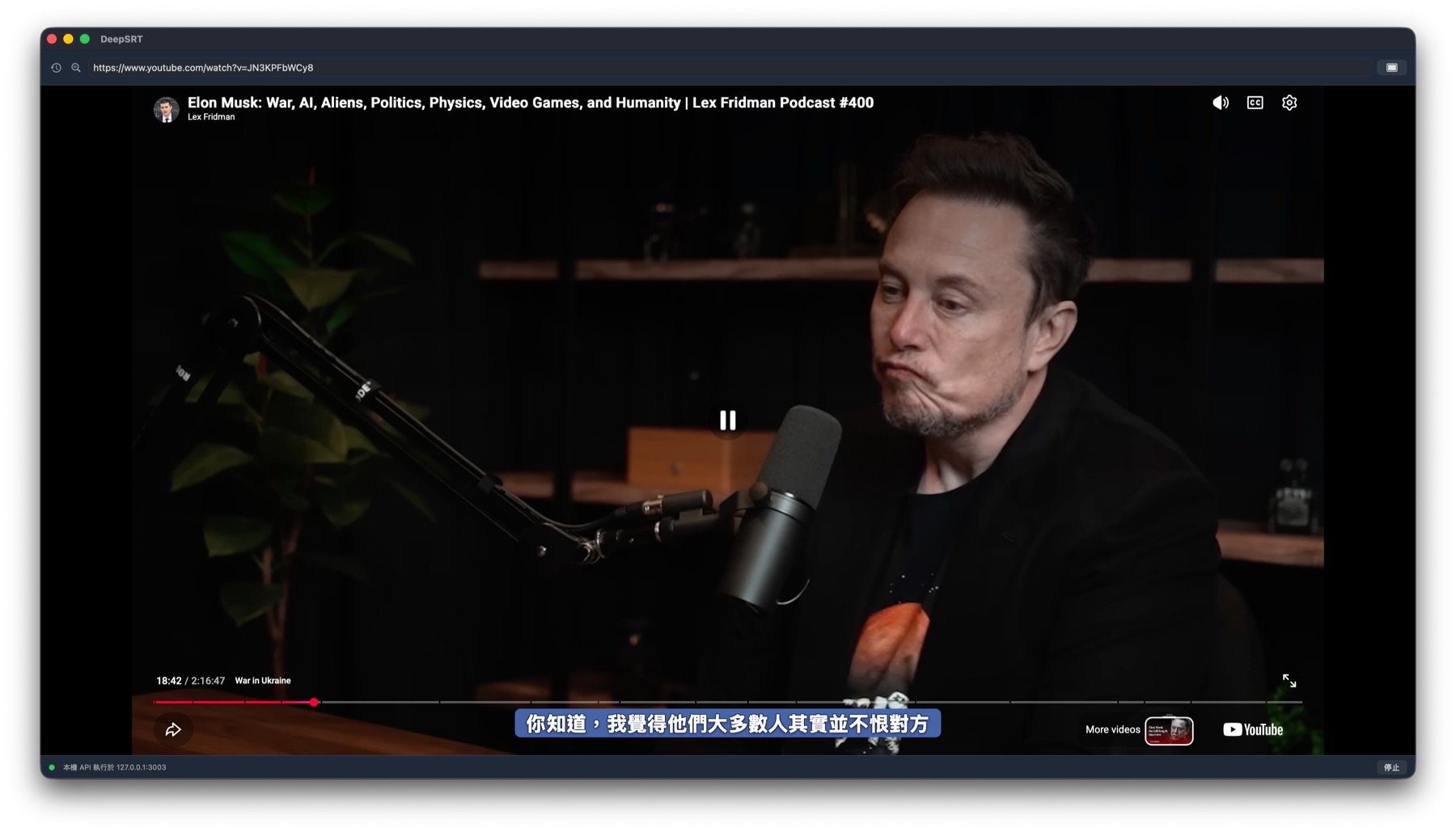
Captions that step aside
Click the player — scrub, pause, pick the next video — and the captions fade out of the way, returning three seconds later. They exit when you're operating and enter when you're watching. Born on Mobile, too good not to bring home.
Honest error messages
Members-only and private videos are YouTube's boundary for every third-party app (see the FAQ). You used to get a line of English error code; now the app tells you what happened in your language — “join this channel to get access” reads like an answer, not a bug.
Also: watch history now records the moment a video opens — videos you switch away from mid-summary no longer vanish from history.
DeepSRT PRO is a one-time purchase on the Mac App Store. Buy once, keep forever, AI on your own key.